Vodka enthusiast, dog lover, world-class nap champion. Madison stands at an extraordinary 5'11" with an attitude to match. But her creations are wonderful, her moods contagious, and her wit is never-ending.
scattered fill
ya know all those little versions of brushes that seem totally useless? well they're not!Step 001: Assuming that you've defined your brush already... select your layer and first color.
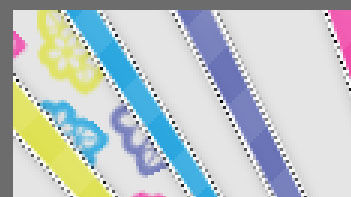
Step 002: Stamp your brush HALFWAY onto your layer.

you do not have to but i recommend that you rotate the brush while you do this! if you dont know how; window > brush.
Step 003: MAKE SURE YOU USE ALL THE SPACE! As you can see, there's a bit of open space near the top of my ray, it happens quite a lot. Just fill it with a stamp brush with the last color in your scheme.
here's your final product