Vodka enthusiast, dog lover, world-class nap champion. Madison stands at an extraordinary 5'11" with an attitude to match. But her creations are wonderful, her moods contagious, and her wit is never-ending.
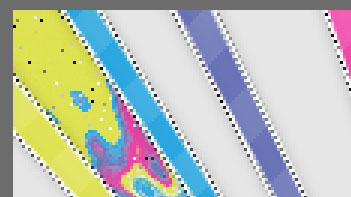
trippy fill
you'll need a trippy psd obviStep 001: Get your trippy psd opened and color it to your color scheme.
Step 002: Merge all visible layers.
Step 003: Drag your trippy psd layer onto your sign.
Step 004: Place it above the layer you want it to fill.
Step 005: Hold the control key and click the preview in the layer panel.
here's your final product
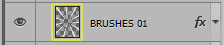
Step 006: Go Select > Inverse > Delete.
here's your end product.