Vodka enthusiast, dog lover, world-class nap champion. Madison stands at an extraordinary 5'11" with an attitude to match. But her creations are wonderful, her moods contagious, and her wit is never-ending.
weaved fill
you're going to need this brush
x
I AM SO SORRY IF THIS EXPLANTION MAKES NO SENSE! I did my best.

Step 001: Open and define the brush.
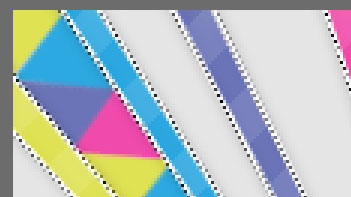
Step 002: Go Windows > Brush and rotate your brush to butt up against the corners of your ray.

Step 003: Select your second color and rotate your brush so the flat sides match up.

Step 004: Continue to do this with all your colors until you've filled your layer & do it to the rest.
here's what your end product should look like.